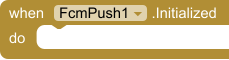
Initialized
EventFirebase is ready. Call GetToken to receive. If ServiceAccountJson was set, SendToToken and SendToTopic are ready too.

Firebase Cloud Messaging push notifications: device tokens, topics, tray notifications, tap handling, and optional HTTP v1 sending.
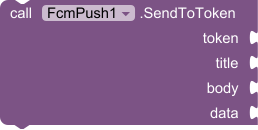
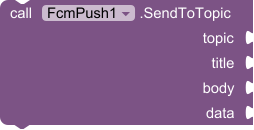
FcmPush uses the official Firebase Messaging SDK. Paste your google-services.json (or ApiKey, ApplicationId and ProjectId) and call Initialize. The extension registers a device token, subscribes to topics, shows tray notifications, and reports taps. Set ServiceAccountJson before Initialize when this app should also send; SendToToken and SendToTopic then use that key. Keep the service account in an admin app you control, not in the app your users install. Data messages that arrive while the app is closed are queued and delivered on the next Screen.Initialize. Android 5.0 (API 21) or newer, with Google Play services.
Firebase Cloud Messaging on the device: tokens, topics, tray notifications, tap handling, and sending. Set ApiKey, ApplicationId and ProjectId (or paste google-services.json). Set ServiceAccountJson too if this app should send, then call Initialize. SendToToken and SendToTopic use that key. Keep the service account in an admin app you control.
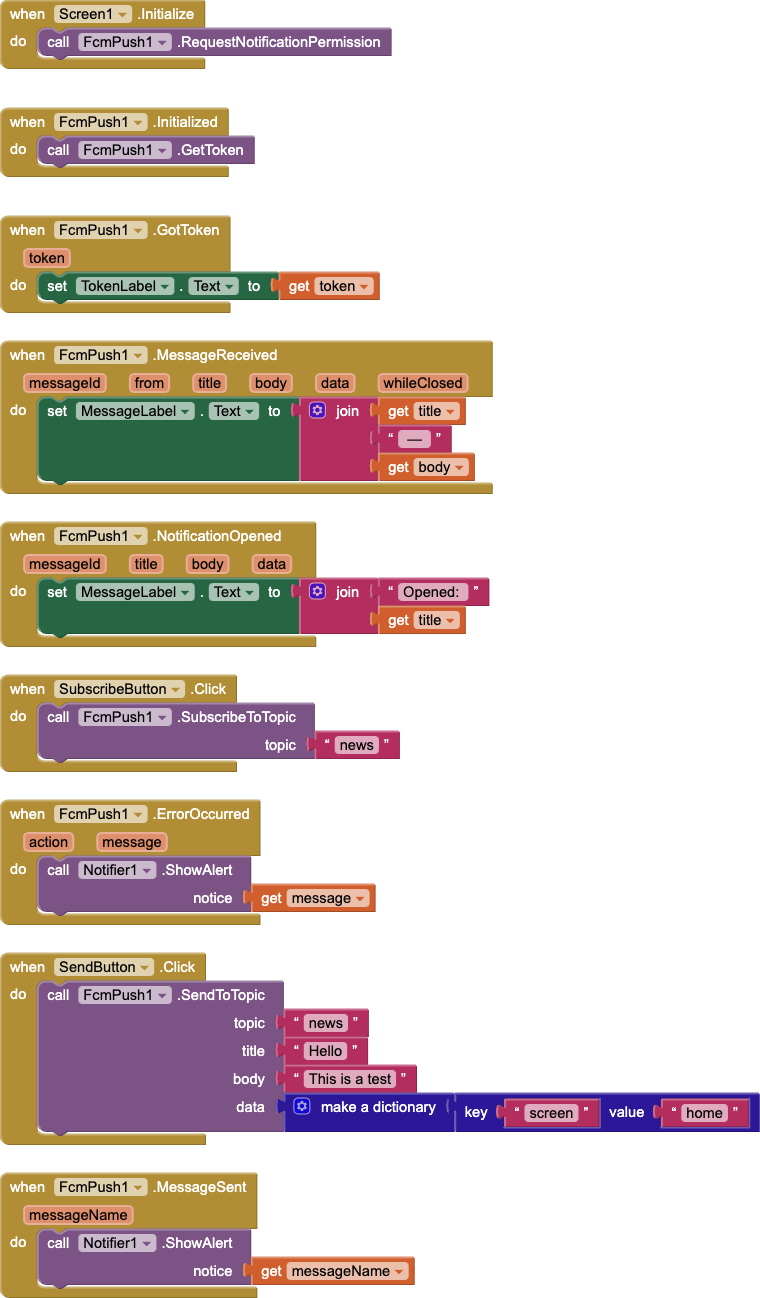
Import FcmPush, drag it onto the screen, then add TokenLabel, MessageLabel, SubscribeButton, SendButton, and a Notifier. The blocks below are the receive app and the admin send app.
Screen.Initialize asks for notification permission. Initialized calls GetToken, and GotToken writes the token into TokenLabel. Save that token if you want to message this phone later. MessageReceived shows the title and body. NotificationOpened does the same when someone taps the tray notification. SubscribeButton joins the topic news. ErrorOccurred shows why a block failed.
Put this in the admin app, with ServiceAccountJson set. SendButton pushes to the topic news and attaches a small data dictionary. MessageSent fires when FCM accepts it. Phones subscribed to news then run MessageReceived.
Firebase is ready. Call GetToken to receive. If ServiceAccountJson was set, SendToToken and SendToTopic are ready too.
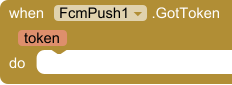
The device token. Save it on your server or database to send pushes to this device.
| Parameter | Type |
|---|---|
| token | text |
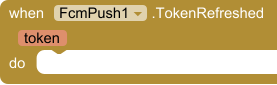
Firebase issued a new token (first launch, reinstall, or rotation). Update it on your server.
| Parameter | Type |
|---|---|
| token | text |
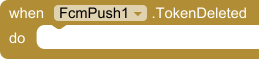
The token was deleted.
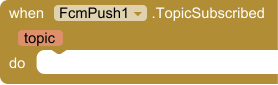
The device is subscribed to the topic.
| Parameter | Type |
|---|---|
| topic | text |
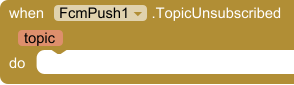
The device is unsubscribed from the topic.
| Parameter | Type |
|---|---|
| topic | text |
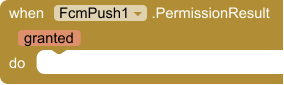
Result of RequestNotificationPermission.
| Parameter | Type |
|---|---|
| granted | boolean |
A push arrived. data is a dictionary of the message's data keys. whileClosed is true for data messages that arrived while no screen was open and are delivered now.
| Parameter | Type |
|---|---|
| messageId | text |
| from | text |
| title | text |
| body | text |
| data | dictionary |
| whileClosed | boolean |
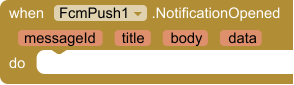
The user tapped a push notification and the app opened. title and body are empty for notifications Android drew while the app was in the background; data is always filled.
| Parameter | Type |
|---|---|
| messageId | text |
| title | text |
| body | text |
| data | dictionary |
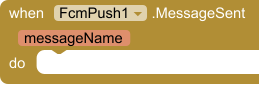
FCM accepted the message. messageName looks like projects/PROJECT/messages/MESSAGE.
| Parameter | Type |
|---|---|
| messageName | text |
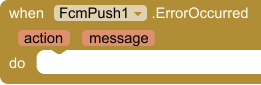
Something failed. action is the block that failed; message says why.
| Parameter | Type |
|---|---|
| action | text |
| message | text |























 MIT App Inventor
 Kodular
 Niotron
 Android Builder
 Thunkable
$7.99
Read one incoming OTP SMS with Google's SMS Retriever API. No SMS permission and no inbox access.
$7.99
Shrink a PDF on the device by re-encoding pages. No internet and no file upload.
$7.99
Send OneSignal push notifications, and receive them on this device.
Free
Encrypt and decrypt strings with AES GCM/CBC support and automatic key utilities.